

This issue of Pillow Talk, our weekly newsletter, went out by email on September 10, 2026. Get the next one.Editor's note, October 2026: This issue describes Blanket as it was when it was sent. Product names, packages and features have changed since, and some work differently today. By default, every message the AI drafts waits for your team's approval before it sends. Today, unlimited pipelines come with Super Broker and the Bundle, and the number of users depends on your plan.
Hey friend,
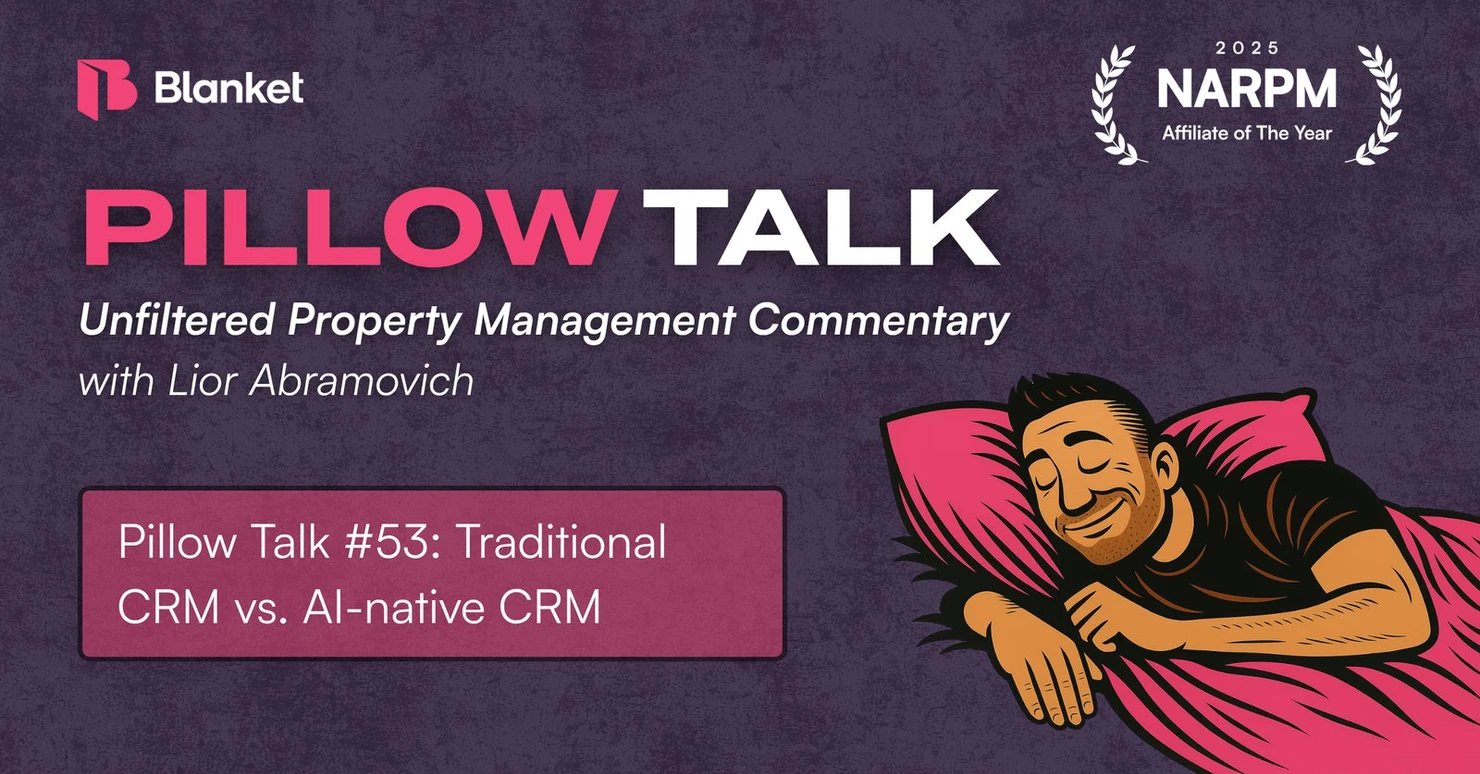
Welcome to the 53rd weekly edition of Pillow Talk! This is where I share my unfiltered thoughts on life, business, and property management.
This week, I’m comparing traditional property management CRMs to AI-native CRMs.
SHOWDOWN: Traditional CRM vs. AI-native CRM
By now you’ve noticed companies adding “AI native” to their website and social media descriptions. It’s become a buzzword companies use to signal that they’re keeping up and offering the latest and greatest. But when you dig in, you usually find they just added on an AI tool like a chatbot.
What AI-native actually means is that the product was built from the beginning with AI as the core foundation, similar to how digital-native companies were built for and around the internet. If the internet goes down, so does the product. Likewise, if you remove AI from an AI-native product, it stops working entirely.
Key Differences
The core difference between a traditional CRM and an AI-native CRM is at the execution layer. Traditional CRMs use deterministic code that relies on human input. Humans drive workflows and complete tasks manually.
But because they’re built around an AI model, AI-native CRMs can take actions on your behalf within certain guardrails that you control. You can delegate data entry, database maintenance, followups, pipeline management, and more. AI drives and performs most of the work, and a human oversees the AI and intervenes when needed for approvals or corrections. This is known as a “human-in-the-loop” system.
The end result is faster speed-to-lead, less manual data entry, cleaner data, and less time spent on repetitive tasks.
Examples
Let’s get into a few examples of what an AI-native CRM can speed up or automate.
#1. Implementation
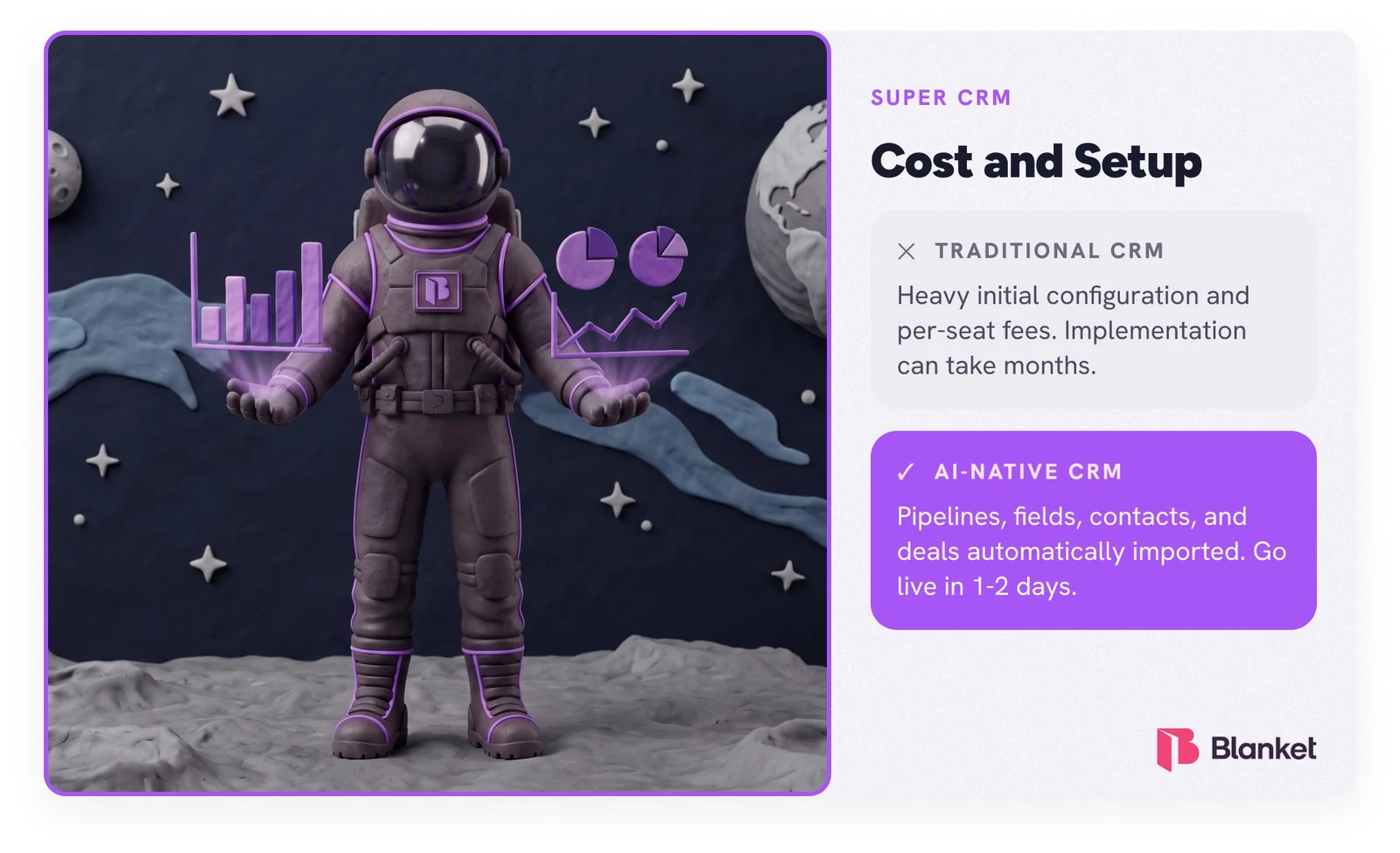
Traditional CRMs can take 3 to 9 months and thousands in consultant fees to deploy. I’ve heard countless stories of the frustrating, drawn-out, and expensive implementation experience folks in property management have had. I’ve heard of several DIY implementations that “completely failed.” The consensus is that you must hire an implementation consultant to get it done right.
AI-native CRMs use language models (LLMs) and autonomous agents to go live in days. Migrating data usually takes weeks of mapping fields, exporting CSVs, and fixing errors. But AI-native platforms don’t require rigid column matching. The AI reads your raw, unstructured legacy data, understands the intent of each field, and automatically maps it to the new system. If you upload a messy spreadsheet or a dump of raw notes, the AI extracts historical conversational context, timelines, and relationships, structuring them into the right places without manual cleanup.
#2. Data Entry
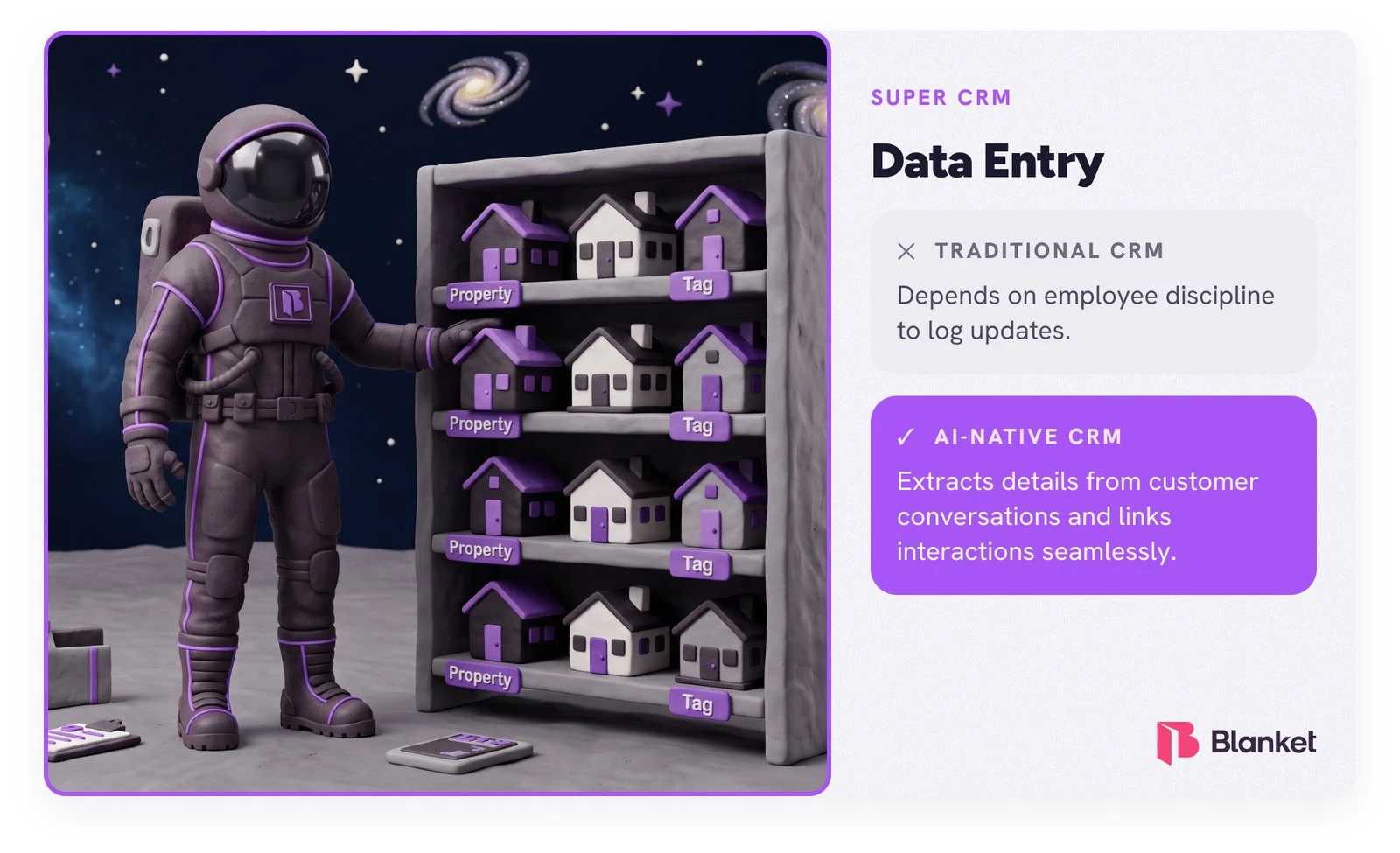
Traditional CRMs require reps to manually log that a meeting occurred or BCC a specific email address to save a thread. AI-native CRMs connect to your workspace so that when a meeting is booked, the AI automatically pulls the contact details, meeting links, and participant names into the CRM. Every subsequent email, calendar event, and phone call is captured passively and chronologically linked to the correct contact, deal, or opportunity.
With traditional CRMs, reps usually spend 15–20 minutes typing summaries after a sales call or video meeting. AI-native CRMs eliminate this entirely. Built-in meeting bots transcribe the audio and automatically extract critical details. The AI maps conversation details directly into your CRM fields. If a prospect mentions their budget, timeline, or current pain points, the AI identifies that context and writes it straight into the corresponding database fields without human prompting.
#3. Workflow Buildouts
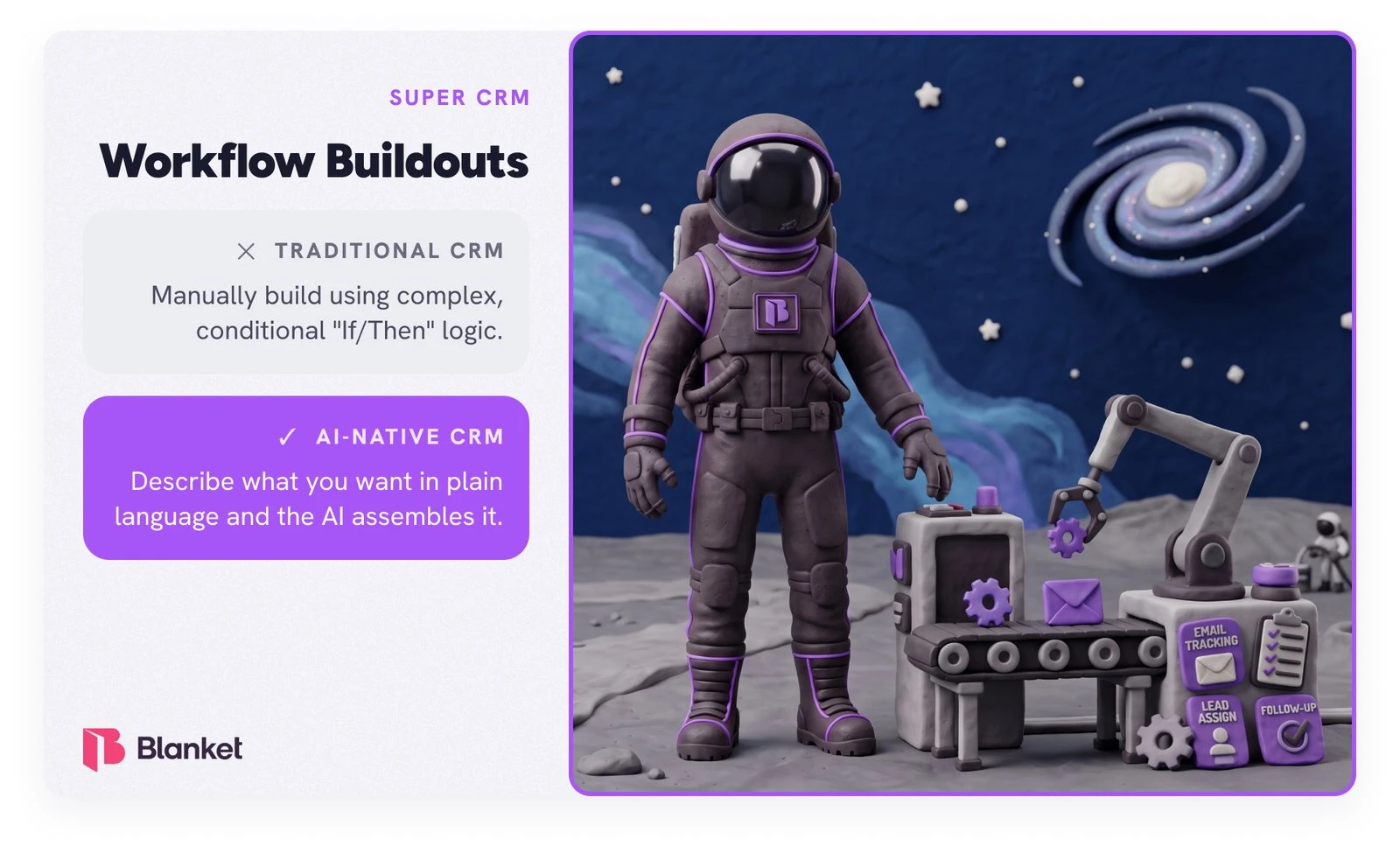
With traditional CRMs, building a workflow like routing a lead, triggering a sequence, or alerting a manager requires a specialized consultant to map out complex logic trees and configure custom objects. A few PMs have shared they were quoted upwards of $8,000 to implement five workflows.
An AI-native CRM cuts this process down to minutes because you can simply describe the desired workflow in plain English, and the AI agent writes the underlying logic and executes it. Instead of clicking through menus and setting up logic and rules, you build automations conversationally. The AI parses the request, connects the necessary triggers and actions across your tech stack, and presents a fully built, ready-to-activate workflow.
Shameless Plug Incoming
We just released an AI-native CRM built specially for property management!
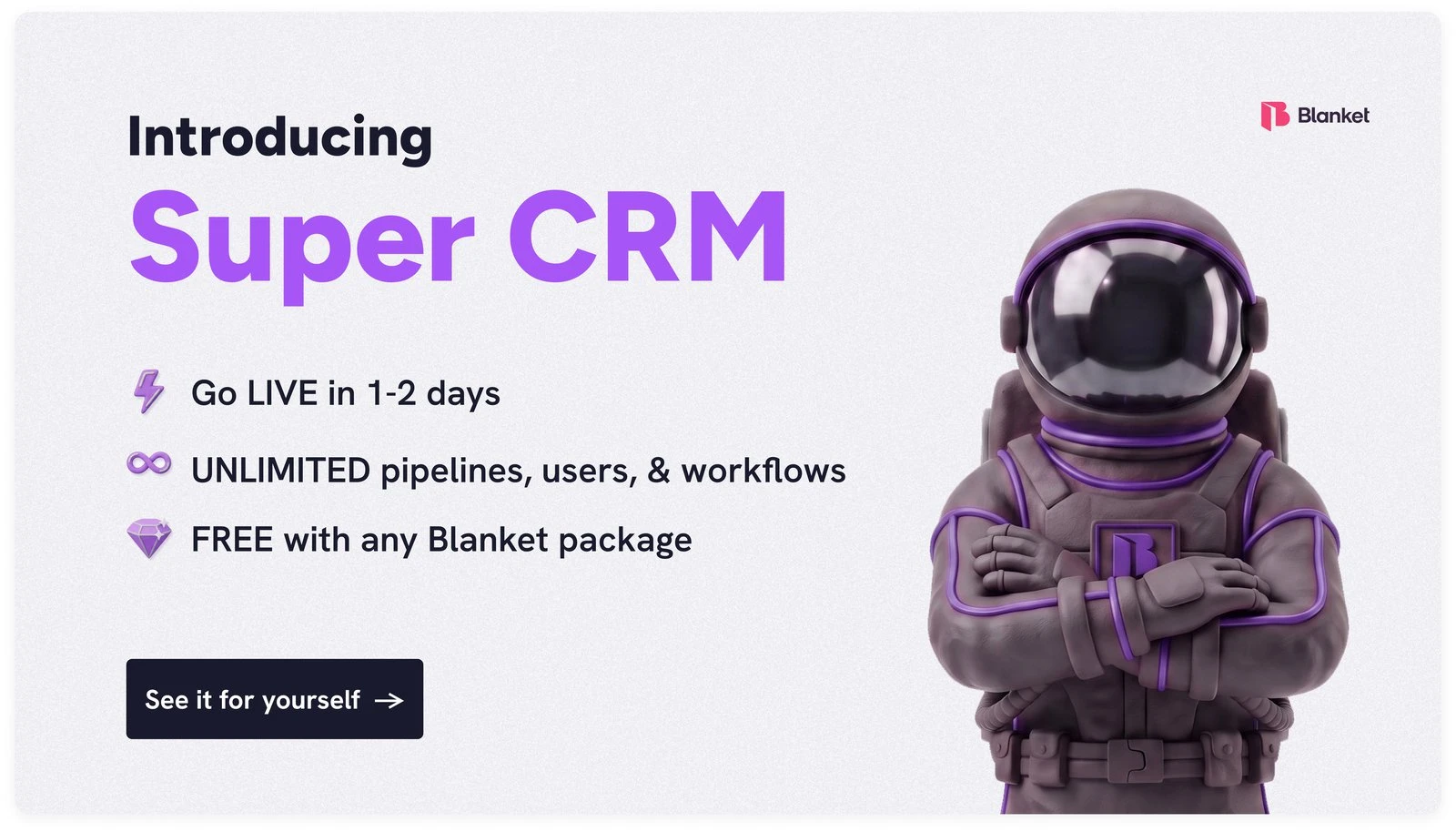
Super CRM is the first AI-native Owner CRM for property managers.
- Fast migration and setup. Go live in 1-2 days.
- Speak your workflows into existence. Tell Super CRM what you want in plain language and watch it assemble whatever workflow or pipeline you want.
- Unlimited pipelines and users. No charge for additional users or pipelines.
- It’s FREE with any Blanket package.
The Roundup
Good night 😴
Lior Abramovich
Co-founder, CEO
Pillow Talk
Get the next issue.
Unfiltered property management commentary - plus the tech shaping its future. Free, every week.